
DU Battery Saver
DU Battery Saver is an Android app from DU Apps that shows battery usage and offers power-saving modes and one-tap optimisation.
6.3 MB

3.5.6 · Softonic International SA · Page updated
Turbo Booster is a free Android cleaner and booster app from Softonic International SA that clears junk files and closes background apps.
Average 0.0 · ratings: 0
Thank you! Your rating is saved; you can change it. Could not save the rating. Please try again later. Too many ratings from your network today. Please try again tomorrow. The average appears after 5 ratings.
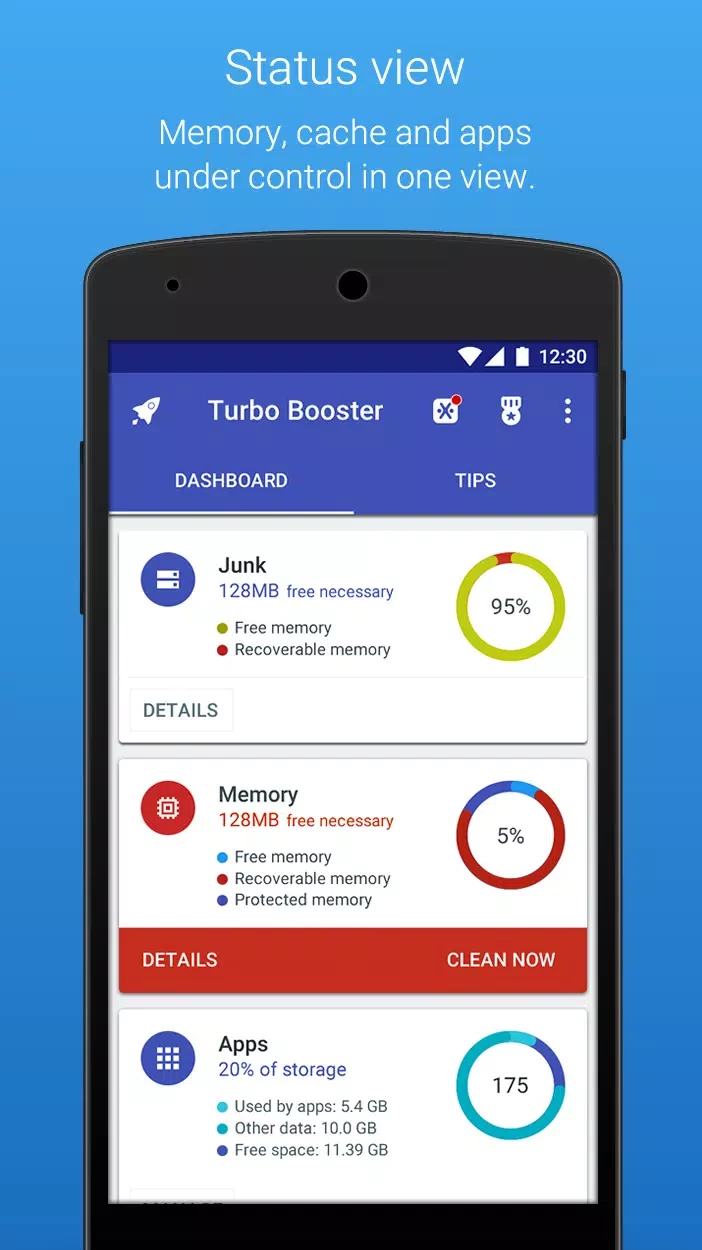
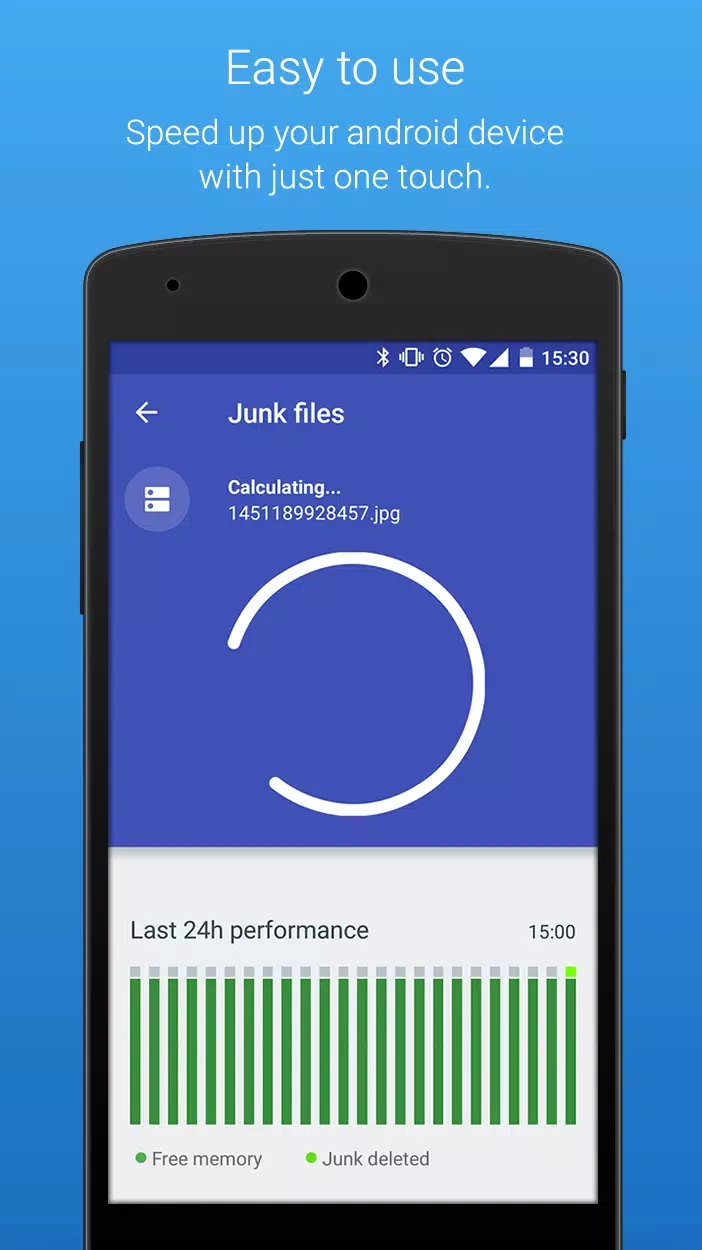
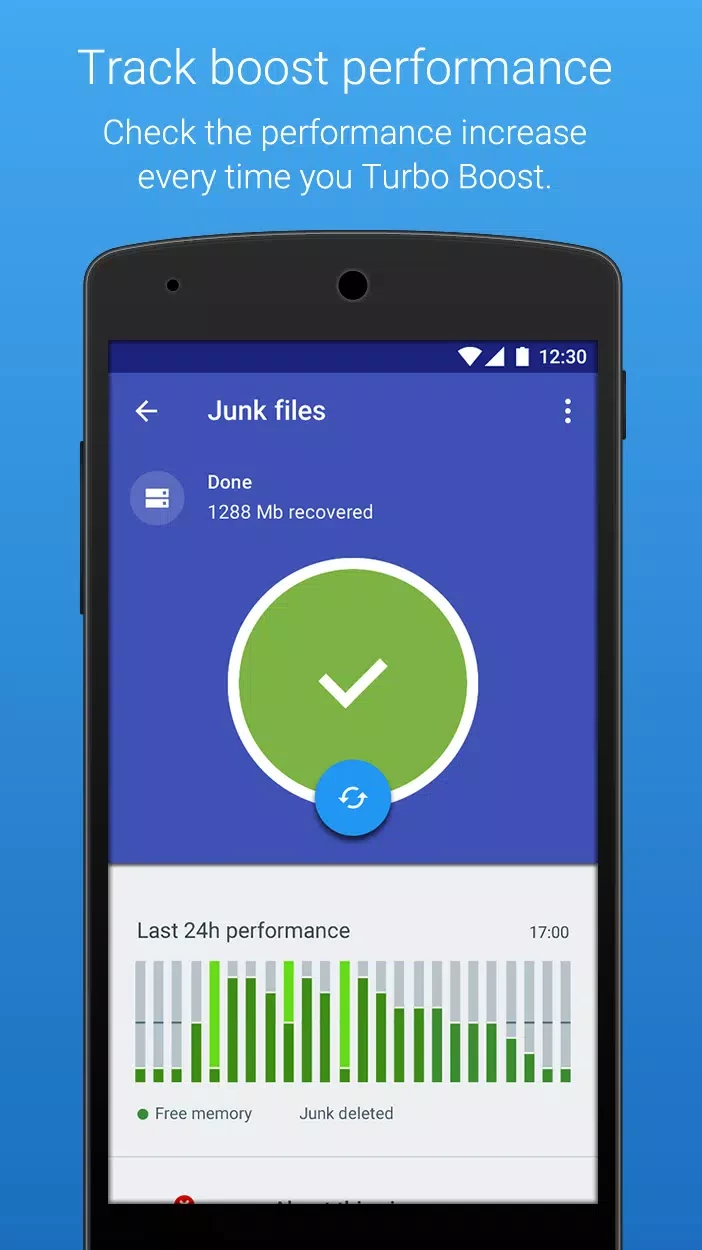
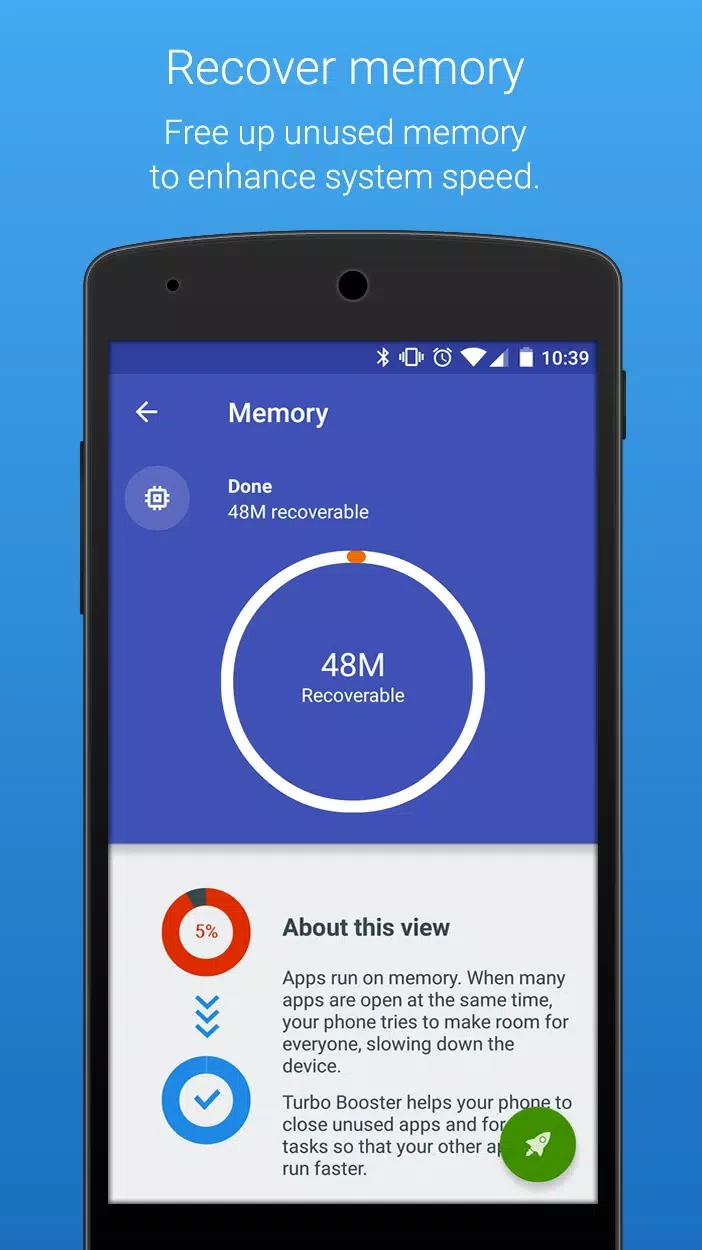
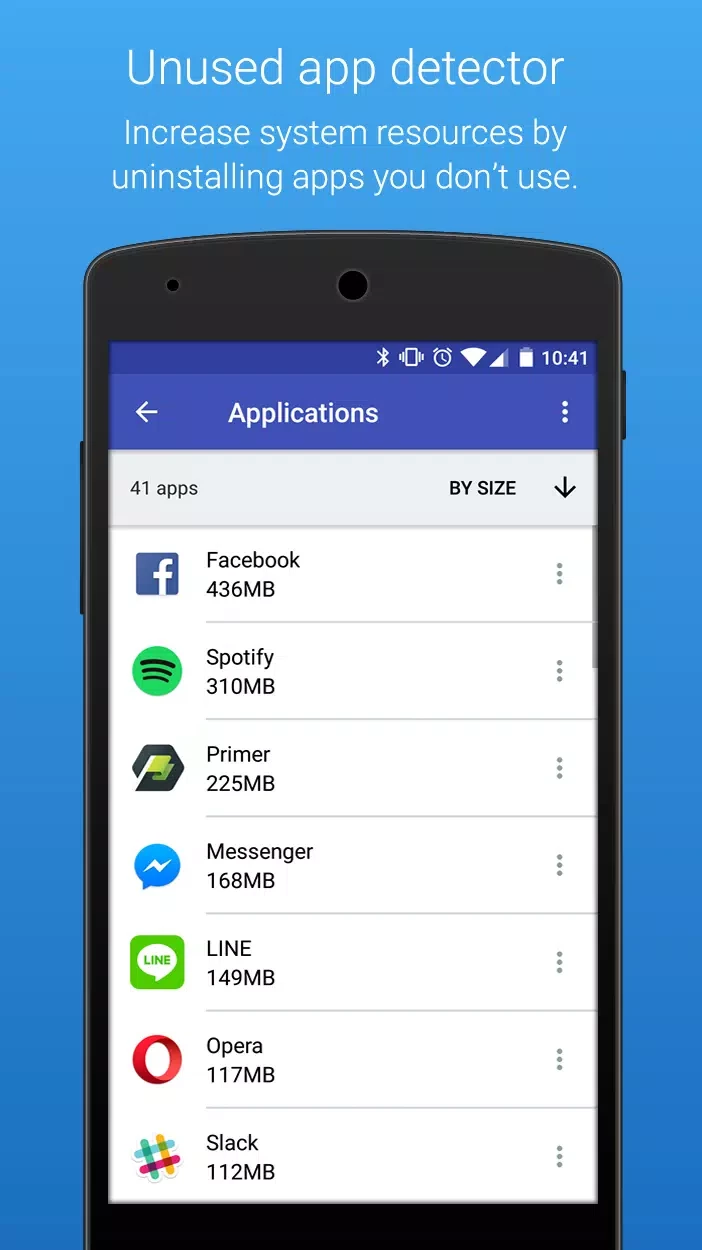
Turbo Booster 3.5.6 is a free Android app from Softonic International SA that promises to speed up a phone by clearing junk files, freeing memory and closing apps running in the background. Before you download Turbo Booster for Android, it is worth knowing what such apps can realistically do on a modern phone.
Cleaner and booster apps became popular when phones had little storage and memory. They scan for cache files, leftover data from uninstalled apps and large files, show how much space can be recovered and delete it with one tap. A booster button closes background processes to free RAM, and some apps add battery and CPU temperature readings. On an older or cheaper phone with almost full storage, clearing out caches and forgotten downloads really can make the device feel more responsive, because Android slows down when space runs out. The memory side is different. Android manages RAM itself and keeps recently used apps in memory on purpose, so they open faster. Force-closing them often means they have to start from scratch again, which costs time and battery. That is why the effect of a boost button is usually short-lived.
We have no official store link or website for Turbo Booster, so be careful about where you install it from. Cleaner apps request broad access to storage and other apps, which makes fake versions attractive to attackers. Use your phone's official app store and check the publisher name, Softonic International SA.
If the phone stays slow after freeing space, check for apps that misbehave after an update, a battery that is wearing out or simply an ageing device. A factory reset, after a full backup, often helps more than any cleaner app.
Expect requests for storage access and possibly usage statistics. Free cleaners are commonly supported by advertising, and some show alarming warnings about "junk" or "viruses" to push you into tapping. Treat such messages calmly; a phone does not need daily cleaning.
| Item | Details |
|---|---|
| Version | 3.5.6 |
| Developer | Softonic International SA |
| Platform | Android |
| Licence | free |
| Size | about 8.97 MB according to catalogue data |
AVG Cleaner – Storage Cleaner is another cleaner in our listings. For most people, the storage and battery tools in Android settings do the job without an extra app.
DU Battery Saver is an Android app from DU Apps that shows battery usage and offers power-saving modes and one-tap optimisation.

AVG Cleaner – Storage Cleaner is an Android app from AVG Mobile that finds junk files, duplicate photos and large files to free up storage.